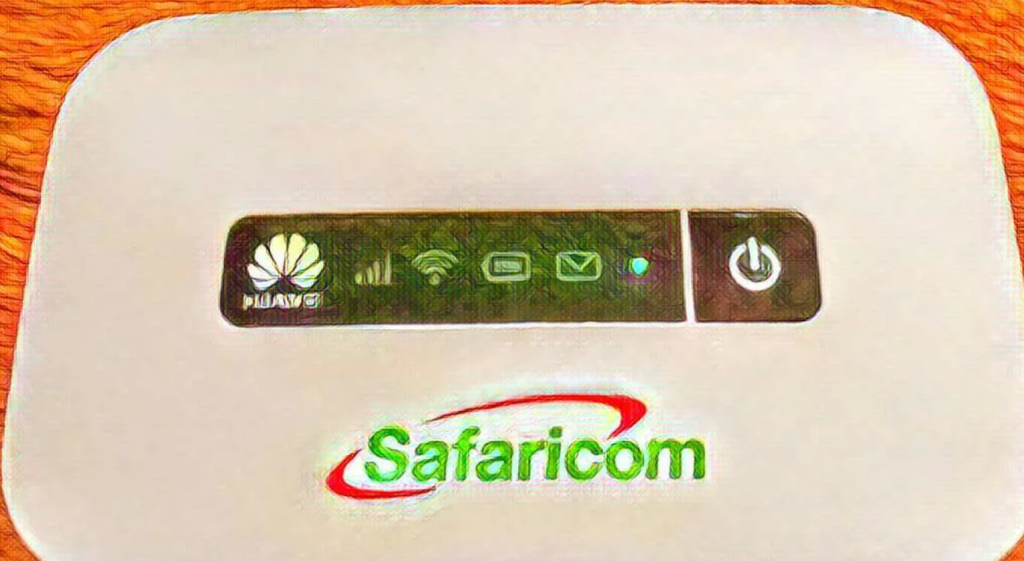
Safaricom offers a convenient and affordable solution for home internet with their 4G for Home Internet package. This service provides reliable speeds suitable for work, learning, and entertainment. Once your 30-day subscription ends, renewing the package is simple and can be done either through the USSD menu or by loading airtime directly to the SIM card.
Here’s a step-by-step guide to help you renew your Safaricom 4G for Home Internet package effortlessly.
How To Renew Safaricom 4G For Home Internet Package
Renewing your Safaricom 4G for Home Internet package is a straightforward process that takes just a few minutes. You can do it either via the USSD menu or by loading airtime onto your 4G SIM card. Here are the options:
Renew Through USSD Menu
- Dial the USSD code:
- Dial *400# on your Safaricom line.
- Select ‘4G for Home’:
- Choose the option for 4G for Home to proceed.
- Choose ‘Buy 4G plans’:
- Select the option to buy a new plan.
- Enter your account number:
- Enter the 4G SIM card number printed at the back of your router.
- Pick your plan:
- Select the plan you wish to renew (3 Mbps or 5 Mbps).
- Choose your payment method:
- You can pay using M-Pesa, Postpay, or Bonga points.
- Confirm payment:
- If paying with M-Pesa, enter your 4-digit PIN, and the payment will be processed.
Once payment is confirmed, you will receive a flash notification, followed by an SMS confirming your successful renewal.
Renew Using Airtime Top-Up
- Load airtime to your 4G SIM card:
- Dial 141 followed by the recharge code, then the 4G SIM card number printed at the back of your router. For example: 141123456789*0987654321#
- Purchase your preferred plan:
- Once the airtime is loaded, purchase the plan of your choice through the same process or via *400#.
This method is perfect for those who want a simple, no-hassle renewal option without using M-Pesa.
Safaricom 4G for Home Plans
Here’s a breakdown of the available 4G for Home internet plans:
| Plan Speed | Price (Ksh) | Validity |
|---|---|---|
| 3 Mbps | From 2,999 | 30 days |
| 5 Mbps | From 3,999 | 30 days |
Note: Actual speeds may vary depending on coverage, and unused data does not roll over, so make sure to plan your usage within the 30-day validity period. With good 4G coverage, you can enjoy seamless browsing, streaming, and other online activities.
Final Thoughts
Renewing your Safaricom 4G for Home Internet package is quick and easy, whether through the USSD menu or airtime top-up. With a variety of plans to choose from, Safaricom makes it simple to keep your internet running smoothly at home. Remember to plan your usage wisely to get the most out of your data plan and enjoy uninterrupted internet services.