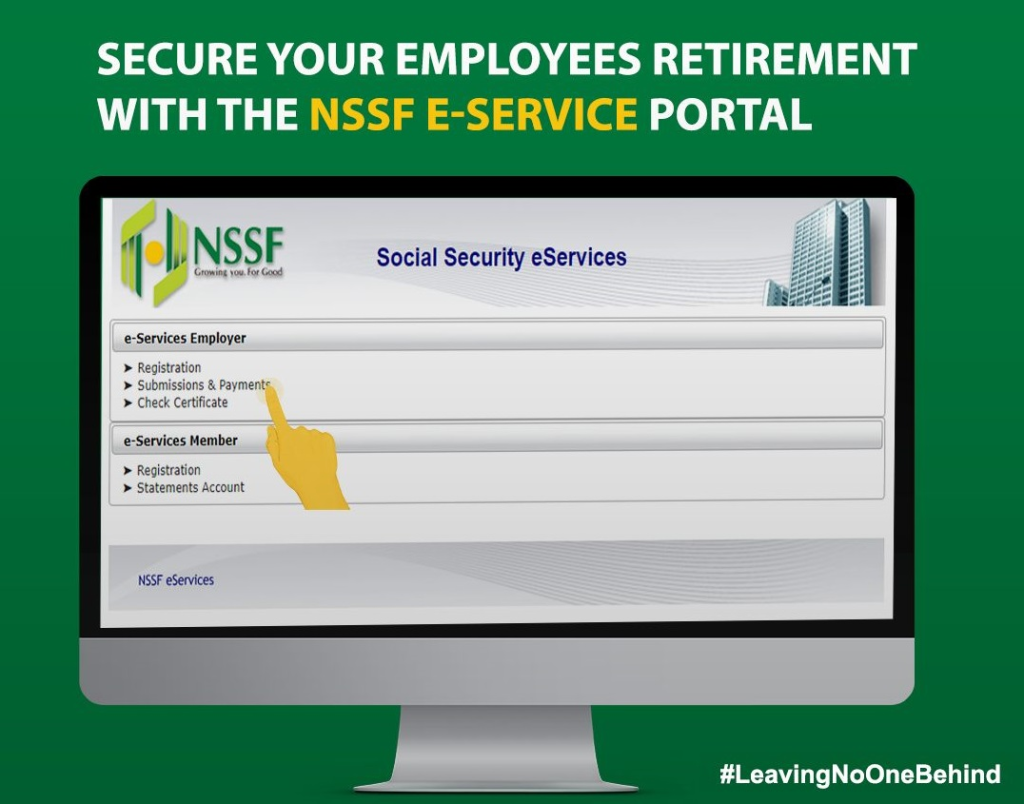
Paying NSSF contributions via M-Pesa is one of the fastest and most convenient ways for employers in Kenya to remain compliant with statutory pension requirements. The National Social Security Fund (NSSF) requires all registered employers to remit monthly contributions to secure employees’ retirement benefits.
Each month, employers must remit 12% of an employee’s pensionable earnings, split equally between the employer and the employee. This guide explains how to pay NSSF for a company via M-Pesa, step by step, and highlights key points to avoid penalties.
How To Pay NSSF For a Company Via M-Pesa
Before making any payment, ensure you have uploaded your monthly returns on the NSSF eServices portal. Once returns are submitted, NSSF generates a Unique Payment Number (UPN), which you must use to pay via M-Pesa.
Get Your Unique Payment Number (UPN)
Follow these steps to obtain your UPN:
- Log in to the NSSF eServices portal
- Upload your company’s monthly payroll returns
- Submit the returns
- An E-slip will be generated
- Note the Unique Payment Number (UPN) shown on the E-slip
The UPN is mandatory—without it, your M-Pesa payment will not be processed.
Make Payment Using M-Pesa
Once you have your UPN, complete the payment as follows:
- Open the M-Pesa Menu on your phone
- Select Lipa na M-Pesa
- Choose PayBill
- Enter 333300 as the Business Number
- Enter your Unique Payment Number (UPN) as the Account Number
- Input the amount to be paid
- Enter your M-Pesa PIN
- Press OK
You will receive an SMS confirmation from M-Pesa once the payment has been successfully sent to NSSF.
Important Things To Note When Paying NSSF Via M-Pesa
Pay Before the 15th of Every Month
NSSF contributions must be paid on or before the 15th day of each month. Late remittances can attract penalties, interest, or enforcement action.
Always Confirm UPN Accuracy
Entering the wrong UPN may cause the payment not to reflect in your company’s NSSF account. Always cross-check the UPN against the E-slip before submitting payment.
Only Use the Official NSSF Paybill
The official NSSF M-Pesa Paybill number is 333300. Avoid using unofficial numbers to protect your company from fraud or misdirected payments.
Need Help With NSSF M-Pesa Payments?
If you experience issues uploading returns, generating a UPN, or completing payment, you can contact NSSF through the following official channels:
- Phone: 0709 583 000 / 0730 882 000
- Twitter/X: @NSSF_ke
- Facebook: NSSF Kenya
NSSF customer support can help resolve payment mismatches, missing postings, and portal access issues.
Final Notes
Learning how to pay NSSF via M-Pesa is essential for every employer, HR officer, and payroll administrator in Kenya. The process is fast, secure, and officially supported by NSSF. Always upload returns first, use the correct UPN, pay through Paybill 333300, and remit contributions on time to stay compliant and protect your employees’ retirement savings.