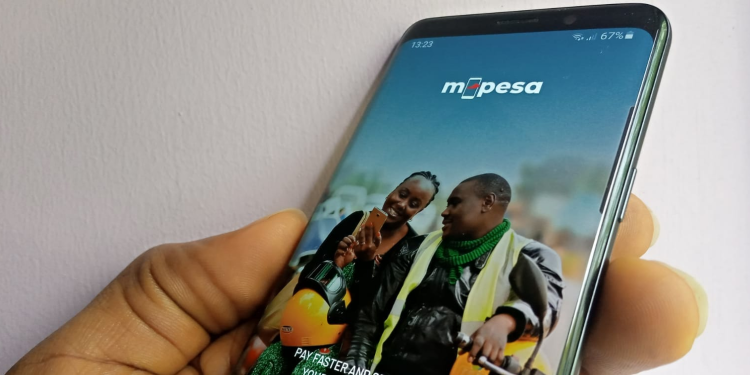
Zuku provides one of the most reliable and affordable home internet and TV packages in Kenya. Paying for Zuku’s internet services is now even easier, thanks to M-Pesa. With M-Pesa, you can make payments from the comfort of your home, saving you time and avoiding trips to customer service offices.
This guide will walk you through how to pay for your Zuku internet subscription using M-Pesa, ensuring a smooth and quick transaction process.
How To Pay for Zuku Internet via M-Pesa
Paying for your Zuku internet subscription through M-Pesa is straightforward. Just follow these simple steps to complete your payment.
Step-by-Step Procedure for Zuku Internet Payment
| Step | Action |
|---|---|
| 1. | Open your M-Pesa menu on your phone. |
| 2. | Select the Lipa na M-Pesa option. |
| 3. | Choose Paybill from the options. |
| 4. | Enter the Paybill number: 320320. |
| 5. | Enter your Zuku account number (ensure it’s correct). |
| 6. | Enter the amount you wish to pay. |
| 7. | Enter your M-Pesa PIN and press OK to confirm the payment. |
| 8. | Wait for a confirmation SMS from M-Pesa and Zuku. Your payment should reflect in your Zuku account within 15 minutes. |
Be sure to double-check the Zuku account number before submitting to avoid any mistakes that could delay the payment.
Benefits of Paying Zuku Bills via M-Pesa
Paying through M-Pesa offers many benefits, making it the preferred method for many Zuku subscribers:
- Convenience: You don’t have to visit any physical locations to make your payment. Everything is done right from your phone.
- Fast Processing: Payments are completed almost instantly, and your account is updated within minutes.
- 24/7 Accessibility: M-Pesa is available at any time, so you can pay your Zuku bill whenever it’s convenient for you, even during holidays.
- Instant Confirmation: M-Pesa will send you a confirmation message as soon as the payment is made, allowing you to keep a record of your transaction.
M-Pesa offers a reliable and hassle-free way to manage your Zuku payments, especially for people with busy schedules.
Zuku Fiber Contact Information
If you encounter any issues or if your Zuku account isn’t updated after making the payment, you can contact Zuku’s customer support team for help. Here are the contact details:
- Safaricom Number: 0719 028 200
- Airtel Number: 0732 132 200
- Zuku Landline: 0205 205 205 (calls from Zuku landlines are free)
- Twitter: @Zukuofficial or @Zuku_wecare
- Facebook: Zuku Official
Zuku’s customer care team is available to assist with any billing, technical, or account-related issues.
Wrapping Up
Paying your Zuku internet bill via M-Pesa is one of the easiest and most convenient ways to keep your services running smoothly. With just a few simple steps, you can ensure that your internet is up and running without needing to leave the house. The transaction is quick, secure, and available 24/7, allowing you to manage your payments efficiently.
If you have any issues, Zuku’s customer support team is available to help resolve any concerns. By following this guide, you can manage your Zuku payments with ease and focus on what matters most: staying connected.