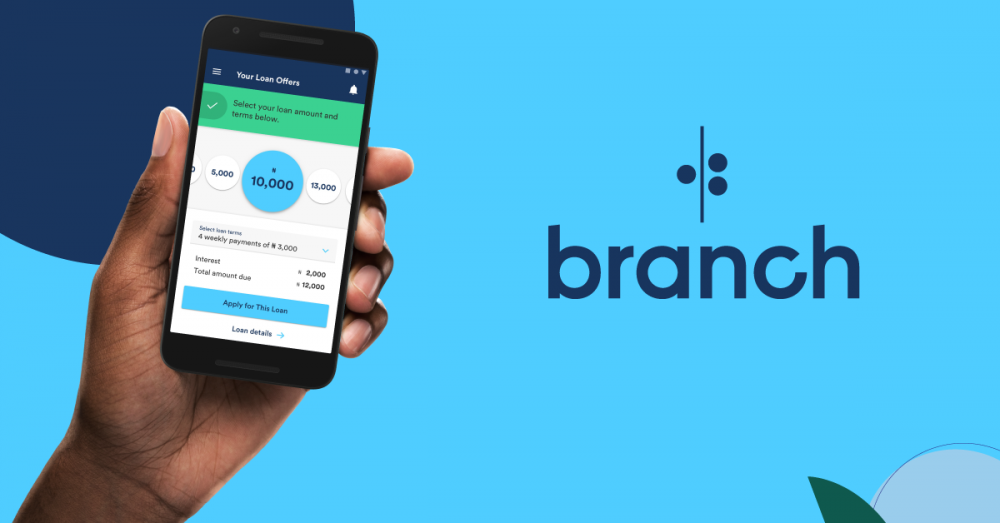
Branch offers a seamless and fast way to borrow money in Kenya, helping you meet urgent financial needs without the hassle of paperwork. Whether it’s for personal emergencies or business expenses, Branch provides quick loans straight to your M-Pesa account. This guide explains how to apply for a Branch loan and repay it via M-Pesa in a few easy steps.
Step-by-Step Guide on How to Apply and Repay a Branch Loan via M-Pesa
Branch makes mobile lending simple and accessible. Below is a comprehensive guide on applying for and repaying your Branch loan using M-Pesa.
How to Register and Apply for a Branch Loan
- Download the Branch App
- Visit the Google Play Store and search for Branch App. Download and install the app on your Android phone. Ensure your phone has Android version 4.0.3 or higher.
- Sign Up
- Open the app and register using either your Facebook account or phone number. Complete the required details to set up your profile.
- Apply for a Loan
- After your profile is verified, you can apply for the loan amount that suits your needs. Branch offers loans ranging from Ksh 250 to Ksh 70,000.
- Receive Your Money
- Once approved, your loan is sent directly to your M-Pesa account within minutes.
Branch Loan Interest Rates and Repayment Terms in Kenya
Branch loans come with flexible repayment terms and competitive interest rates. Here’s a breakdown:
| Loan Amounts | Ksh 250 – Ksh 70,000 |
|---|---|
| Interest Rate | 1% – 14% per month |
| Repayment Period | 4 – 68 weeks |
| Disbursement Method | Directly to M-Pesa |
| Eligibility | Active M-Pesa and Facebook account |
Consistently repaying your loans on time helps you increase your loan limit, which makes it easier to access higher amounts in the future. Late payments may negatively affect your credit score, so timely repayment is crucial.
How to Repay a Branch Loan via M-Pesa
Repaying your Branch loan via M-Pesa is a quick and secure process. Follow these steps to make your payment:
- Go to the M-Pesa Menu
Open your M-Pesa menu on your phone. - Select ‘Lipa na M-Pesa’
Choose the Paybill option. - Enter Paybill Number
Enter 998608 as the Business Number. - Enter Account Number
Input the M-Pesa registered phone number associated with your Branch account. - Enter the Amount to Repay
Specify the exact amount you wish to repay. - Enter M-Pesa PIN
Enter your M-Pesa PIN to confirm the payment and press OK. - Confirmation
You’ll receive an SMS confirming that your repayment has been processed.
Once your payment is successful, your Branch account will be updated instantly. You can check your balance on the Branch app to verify the repayment.
Wrapping Up
Branch offers a convenient and reliable way for Kenyans to access quick loans through their mobile phones. With just a few steps on the Branch App and M-Pesa, you can apply for and repay loans easily. The fast loan disbursement and secure repayment process make Branch a trusted mobile lending app.
Always ensure that you repay your loans on time to maintain a healthy credit history and increase your borrowing limit for future loans. Whether it’s for personal or business use, Branch offers a flexible, transparent, and accessible lending solution for everyone.